
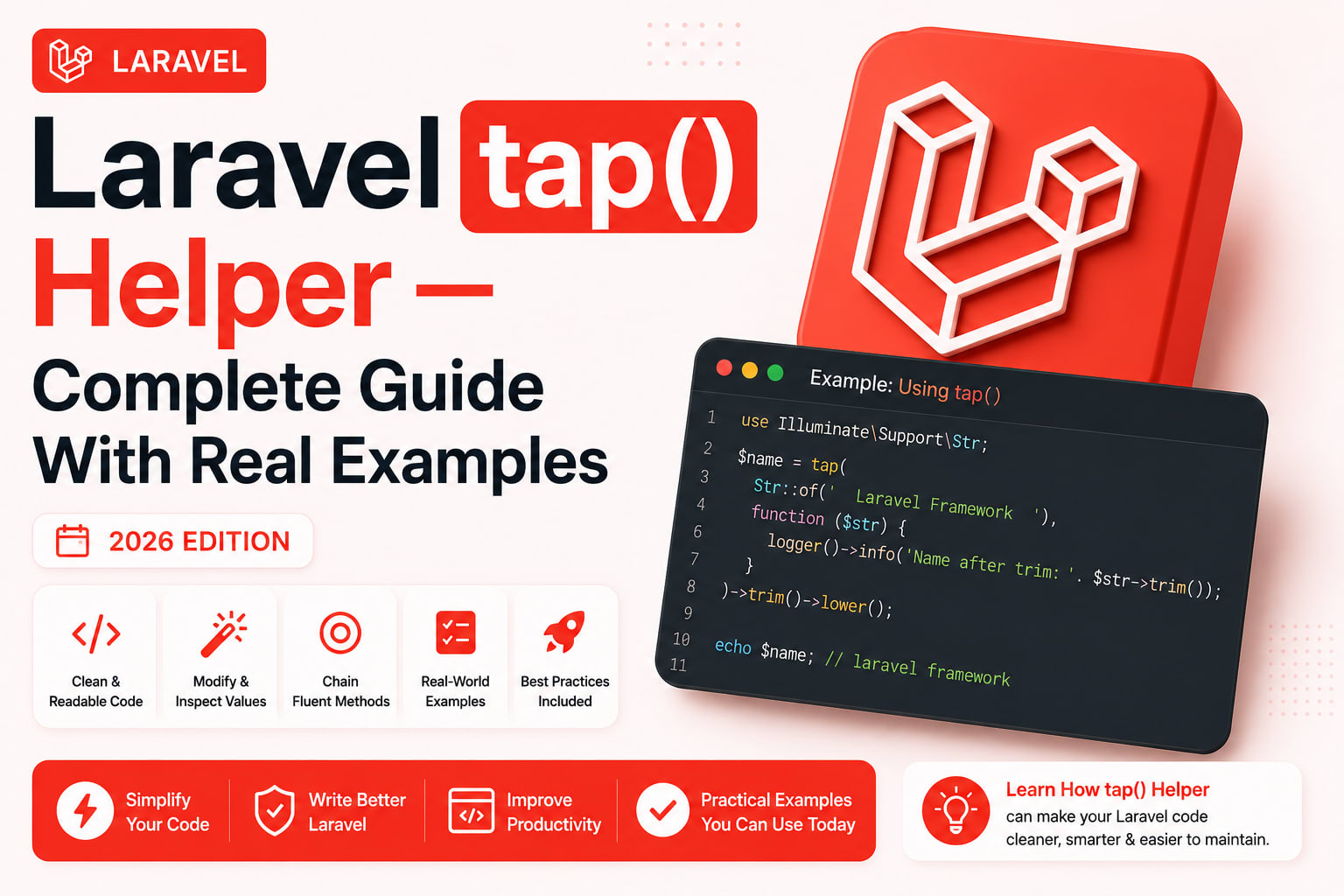
LinkedIn post ready ✅ — ab full blog:
Laravel tap() Helper — Complete Guide With Real Examples (2026)
One of my favorite helpers methods in Laravel is tap. On first glance, this Ruby-inspired function is pretty odd. GitHub
Most developers encounter tap() somewhere in Laravel's source code, stare at it for a moment, and move on without fully understanding it. Then they encounter a situation where it would have helped — and write five lines of code instead.
This guide covers everything — how tap() works internally, every real use case, the Tappable trait, and when not to use it.
What tap() Actually Does
The tap function itself is actually a very short one:
php
function tap($value, $callback) {
    $callback($value);
    return $value;
}
So you give it a $value and a $callback. The $callback will execute with the $value as the argument. And finally the $value will be returned. Laravel
That is the entire function. Pass it a value and a callback. The callback runs with that value. The original value is returned — regardless of what the callback returns.
This one behaviour — always returning the original value — is what makes tap() useful.
The Full Implementation — With HigherOrderTapProxy
The complete tap helper implementation:
php
function tap($value, $callback = null)
{
    if (is_null($callback)) {
        return new HigherOrderTapProxy($value);
    }

    $callback($value);
    return $value;
}
When no callback is passed, tap() returns a HigherOrderTapProxy — a proxy object that wraps your value and forwards any method calls to it, then returns the original value.
This is what makes the no-callback syntax possible:
php
// With callback — explicit
tap($user, function ($user) {
    $user->update(['last_login' => now()]);
});

// Without callback — HigherOrderTapProxy handles it
tap($user)->update(['last_login' => now()]);
// update() runs on $user, but $user is returned — not the bool from update()
The Core Problem tap() Solves
We all know that Eloquent's update() returns boolean but we want it to return our edited $user so we can pass it to our JSON response. Laravel
This is the most common pain point. Eloquent methods return booleans, not models:
php
$user->save();    // returns bool
$user->update([]); // returns bool
$user->delete();  // returns bool

// Only create() returns the model — because it uses tap() internally
Without tap() — the verbose way:
php
public function update(UpdateUserRequest $request, User $user): JsonResponse
{
    $user->update($request->validated()); // returns true/false
    $user->refresh(); // reload from DB
    return response()->json(new UserResource($user));
}
With tap() — clean and direct:
php
public function update(UpdateUserRequest $request, User $user): JsonResponse
{
    return response()->json(
        new UserResource(
            tap($user)->update($request->validated())
            // update() runs, $user is returned
        )
    );
}
How Laravel Uses tap() Internally
Check out the following method from Eloquent:
php
public function create(array $attributes = [])
{
    return tap($this->newModelInstance($attributes), function ($instance) {
        $instance->save();
    });
}
In this example, we're creating a new Eloquent model, saving the model, and then returning that model instance back to the caller. The tap helper allows us to do this in one "block" of code since it always returns the model instance we provide. GitHub
This is why Post::create() returns the post and not true. Without tap(), Eloquent would have needed a temporary variable:
php
// What create() would look like without tap()
public function create(array $attributes = [])
{
    $instance = $this->newModelInstance($attributes);
    $instance->save(); // returns bool — we ignore it
    return $instance;  // return the model instead
}

// With tap() — same result, one expression
public function create(array $attributes = [])
{
    return tap($this->newModelInstance($attributes), fn ($i) => $i->save());
}
Real Use Cases — With Before/After Code
1. Return Model After Save
php
// Before — temp variable needed
public function store(StorePostRequest $request): JsonResponse
{
    $post = new Post($request->validated());
    $post->user_id = auth()->id();
    $post->save();
    return response()->json(new PostResource($post), 201);
}

// After — tap() removes the temp variable assignment after save
public function store(StorePostRequest $request): JsonResponse
{
    return response()->json(
        new PostResource(
            tap(new Post($request->validated()), function ($post) {
                $post->user_id = auth()->id();
                $post->save();
            })
        ),
        201
    );
}

// Even cleaner with arrow function
public function store(StorePostRequest $request): JsonResponse
{
    $post = tap(new Post($request->validated()))
        ->forceFill(['user_id' => auth()->id()])
        ->save();
    // $post = the Post model, not bool

    return (new PostResource($post))
        ->response()
        ->setStatusCode(201);
}
2. Update and Return the Model
php
// Before — update() returns bool, not model
public function update(UpdatePostRequest $request, Post $post): JsonResponse
{
    $post->update($request->validated());
    return response()->json(new PostResource($post));
}

// After — tap() returns $post, not the bool from update()
public function update(UpdatePostRequest $request, Post $post): JsonResponse
{
    return response()->json(
        new PostResource(tap($post)->update($request->validated()))
    );
}
3. Debug Without Breaking a Chain
The tap method receives the collection, but does not break the fluent chain:
php
User::get()
    ->tap(function (Collection $collection) {
        info('Processing ' . $collection->count() . ' users...');
    })
    ->each(function (User $user) {
        // ...
    });
This is extremely useful when debugging a query chain in development:
php
// Debug a query without breaking the chain
$posts = Post::query()
    ->where('status', 'published')
    ->tap(fn ($q) => info('SQL: ' . $q->toSql()))
    ->with(['author', 'tags'])
    ->tap(fn ($q) => info('With relationships added'))
    ->latest()
    ->paginate(20);

// Debug a collection mid-chain
$result = Post::latest()
    ->get()
    ->tap(fn ($c) => info("Total posts: {$c->count()}"))
    ->filter(fn ($p) => $p->isPublished())
    ->tap(fn ($c) => info("Published posts: {$c->count()}"))
    ->take(10);
Remove the tap() calls when done — the chain still works identically.
4. Fire Events or Notifications After Creation
php
// Before — verbose
public function processOrder(array $data): Order
{
    $order = Order::create($data);
    $order->user->notify(new OrderConfirmation($order));
    event(new OrderCreated($order));
    Log::info('Order created', ['id' => $order->id]);
    return $order;
}

// After — tap() chains everything
public function processOrder(array $data): Order
{
    return tap(Order::create($data), function (Order $order) {
        $order->user->notify(new OrderConfirmation($order));
        event(new OrderCreated($order));
        Log::info('Order created', ['id' => $order->id]);
    });
}
5. Cache and Return
php
// Store in cache and return the value
public function getExpensiveData(int $userId): array
{
    return tap(
        $this->buildExpensiveReport($userId),
        fn ($data) => Cache::put("report_{$userId}", $data, now()->addHour())
    );
}

// Without tap()
public function getExpensiveData(int $userId): array
{
    $data = $this->buildExpensiveReport($userId);
    Cache::put("report_{$userId}", $data, now()->addHour());
    return $data;
}
6. Log Response Before Returning
php
// API controller — log every response
public function show(Post $post): JsonResponse
{
    return tap(
        response()->json(new PostResource($post)),
        fn ($response) => Log::info('Post viewed', [
            'post_id' => $post->id,
            'user_id' => auth()->id(),
            'status'  => $response->getStatusCode(),
        ])
    );
}
7. Set Attributes Then Save
php
// Before
$user = User::find($id);
$user->last_login  = now();
$user->login_count = $user->login_count + 1;
$user->ip_address  = request()->ip();
$user->save();
return $user;

// After
return tap(User::findOrFail($id), function (User $user) {
    $user->update([
        'last_login'  => now(),
        'login_count' => $user->login_count + 1,
        'ip_address'  => request()->ip(),
    ]);
});
8. Validate and Transform in One Expression
php
// Process import row — validate, transform, return
$processed = tap($rawRow, function (&$row) {
    $row['email']      = strtolower(trim($row['email']));
    $row['name']       = ucwords(strtolower($row['name']));
    $row['created_at'] = now();
    $row['updated_at'] = now();
});

// $processed = the transformed $rawRow
The Tappable Trait
You can also make your classes tappable by using the Tappable trait. Many classes in the Laravel framework are tappable by default. When a class is tappable, you can call tap() while chaining methods. Tamiltech
php
// Add Tappable to your own classes
use Illuminate\Support\Traits\Tappable;

class OrderService
{
    use Tappable;

    public function create(array $data): Order
    {
        return Order::create($data);
    }

    public function notify(Order $order): void
    {
        $order->user->notify(new OrderConfirmation($order));
    }
}

// Now you can tap() on your service
$order = (new OrderService())
    ->tap(fn ($s) => Log::info('Processing order'))
    ->create($data);
Classes in Laravel that already use Tappable:
CollectionBuilder(Query Builder)ResponseModel- Many more throughout the framework
Higher Order tap — No Callback Syntax
The tap helper allows you to "tap" into a chain of methods to perform operations on an object while still returning the original value:
php
$user = tap(User::first(), function($user) {
    $user->update(['last_login' => now()]);
});
The no-callback version is even cleaner for single method calls:
php
// With callback — slightly verbose
tap($user, function ($user) {
    $user->update(['active' => false]);
});

// Without callback — same result, cleaner
tap($user)->update(['active' => false]);

// Chaining multiple calls
tap($user)
    ->update(['active' => false])
    ->notify(new AccountDeactivated());
// $user is returned at the end — not the result of notify()

// But careful — each call returns the proxy, not $user
// Assign to get the model back
$user = tap($existingUser)->update(['active' => false]);
tap() in Service Classes — Real Production Pattern
php
// app/Services/PostService.php
class PostService
{
    public function publish(Post $post): Post
    {
        return tap($post, function (Post $post) {
            $post->update([
                'status'       => PostStatus::Published,
                'published_at' => now(),
            ]);

            // Fire event — sends notifications, updates search index
            event(new PostPublished($post));

            // Cache invalidation
            Cache::tags(['posts', "user_{$post->user_id}"])->flush();

            // Log activity
            activity()
                ->performedOn($post)
                ->causedBy(auth()->user())
                ->log('published');
        });
    }

    public function unpublish(Post $post): Post
    {
        return tap($post, function (Post $post) {
            $post->update([
                'status'       => PostStatus::Draft,
                'published_at' => null,
            ]);

            event(new PostUnpublished($post));
            Cache::tags(['posts'])->flush();
        });
    }
}

// Controller — clean, returns the model
public function publish(Post $post): JsonResponse
{
    $this->authorize('publish', $post);

    return response()->json(
        new PostResource($this->postService->publish($post))
    );
}
When NOT to Use tap()
tap() is not always better. Here is when to avoid it:
php
// AVOID — callback result is needed, tap() discards it
$count = tap($collection, fn ($c) => $c->count());
// $count = $collection, not the count!
// Use: $count = $collection->count();

// AVOID — already readable without it
tap($user)->save(); // not clearer than:
$user->save();      // this is fine

// AVOID — complex multi-line logic that belongs in a method
tap($order, function ($order) {
    // 20 lines of processing logic
    // This should be its own method
});

// AVOID — team unfamiliarity
// If your team doesn't know tap(), a comment helps
// or just use the traditional approach
Rule of thumb: Use tap() when:
- You need to return a value but a method on it returns something else
- You want to add side effects (logging, events, cache) to a chain without breaking it
- The code is cleaner with it — not just different
Quick Reference
php
// Global helper — with callback
tap($value, fn ($v) => doSomething($v)); // returns $value

// Global helper — without callback (HigherOrderTapProxy)
tap($user)->update(['name' => 'Tushar']); // returns $user

// On Collections (Tappable)
collect($items)
    ->tap(fn ($c) => info($c->count()))
    ->filter(fn ($i) => $i->active)
    ->values();

// On Query Builder (Tappable)
Post::query()
    ->tap(fn ($q) => info($q->toSql()))
    ->where('active', true)
    ->get();

// Return model after save
$post = tap(new Post($data))->save(); // Post model, not bool

// Return model after update
tap($user)->update(['role' => 'admin']); // User model, not bool

// Side effects in creation
tap(Order::create($data), fn ($o) => event(new OrderCreated($o)));
Wrapping Up
tap() is one of Taylor Otwell's favorite helper methods. If you look through Laravel's codebase, you'll see tapping in all kinds of places. Tamiltech
The core insight is simple: tap() always returns the first argument. That single rule makes it useful in any situation where:
- A method you call returns something unhelpful (bool, null)
- You want to add side effects without breaking a fluent chain
- You want to do something with a value and then return it unchanged
Used in the right places — model updates, collection chains, service layer side effects — it removes noise and makes intent clearer. Used everywhere indiscriminately, it confuses teammates.
Pick your spots. tap() earns its place.
Tushar Modi — Full Stack Developer, Jaipur