ManageHub — Smart Digital vCard Platform
🌟 OverviewManageHub is a full-featured multi-tenant SaaS vCard builder where businesses get a professional digital business card on their own custom subdomain (e.g., restaurant.managehub.in). Clients can log in to edit their own vCard in real-time using a pow...
🌟 Overview
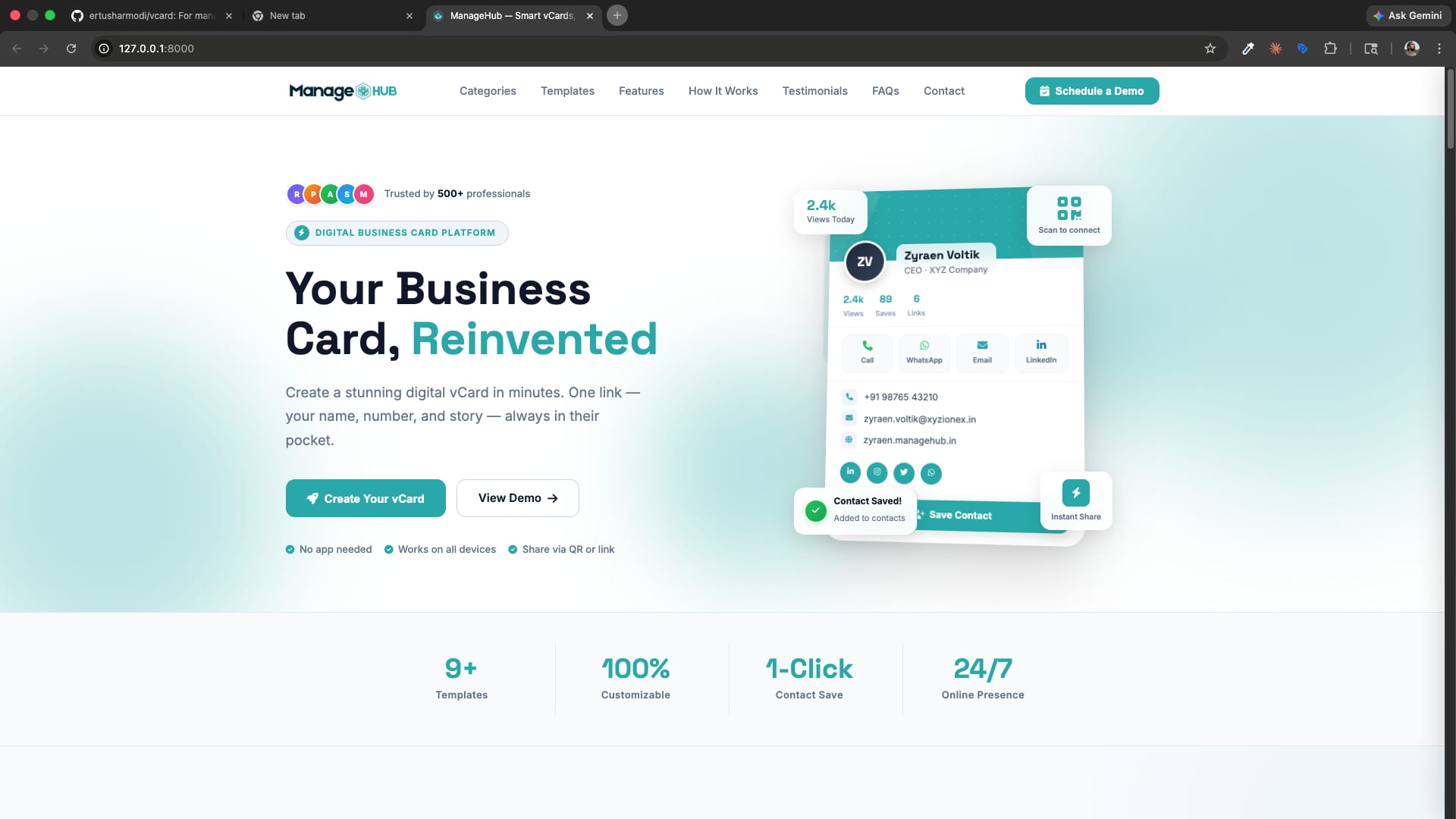
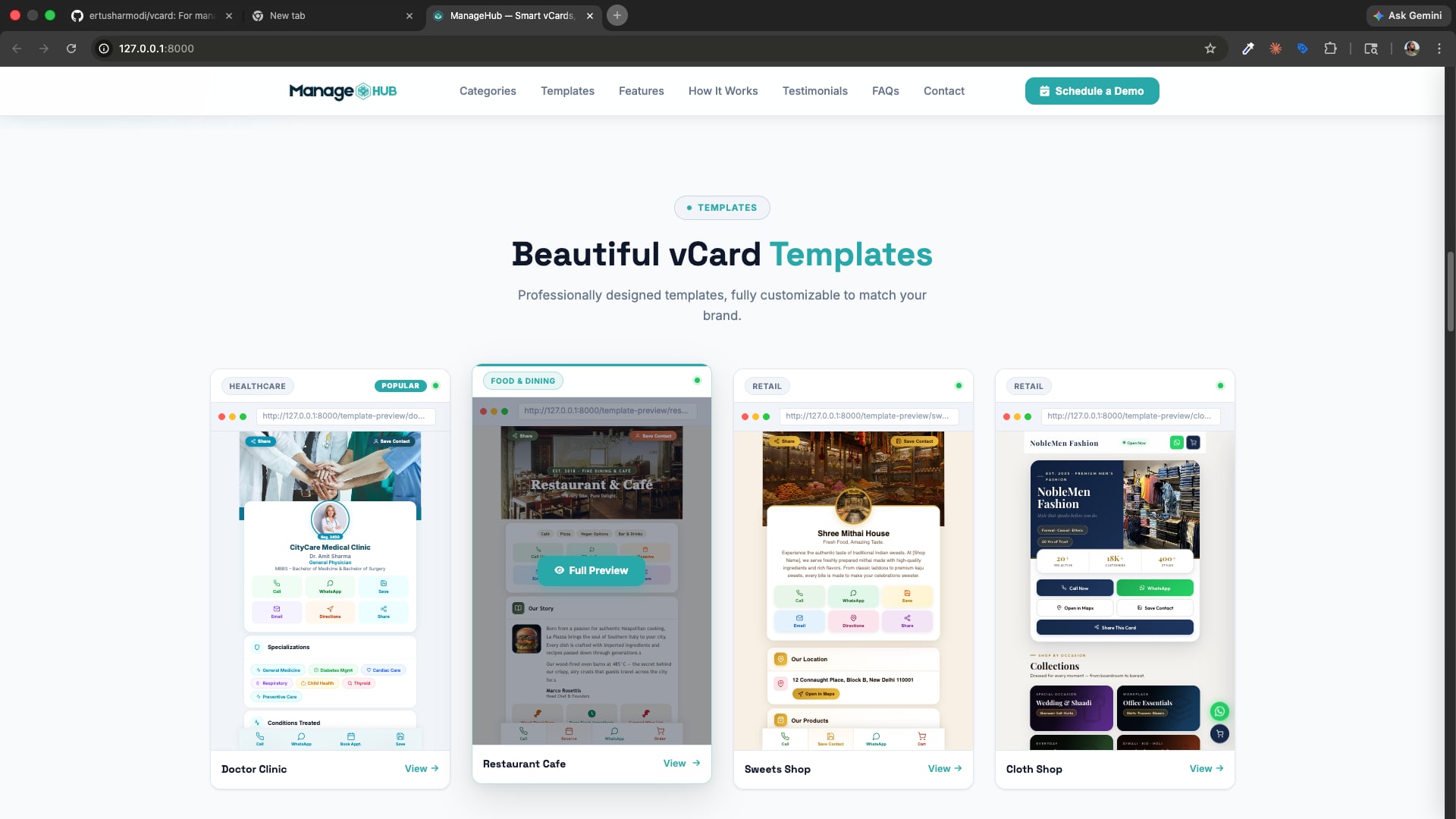
ManageHub is a full-featured multi-tenant SaaS vCard builder where businesses get a professional digital business card on their own custom subdomain (e.g., restaurant.managehub.in). Clients can log in to edit their own vCard in real-time using a powerful section-based editor. The platform supports multiple industry-specific templates, visitor analytics, lead collection (orders, bookings, enquiries), QR codes, and a full white-label Website CMS.
Key highlights:
- ✅ Each vCard runs on its own subdomain
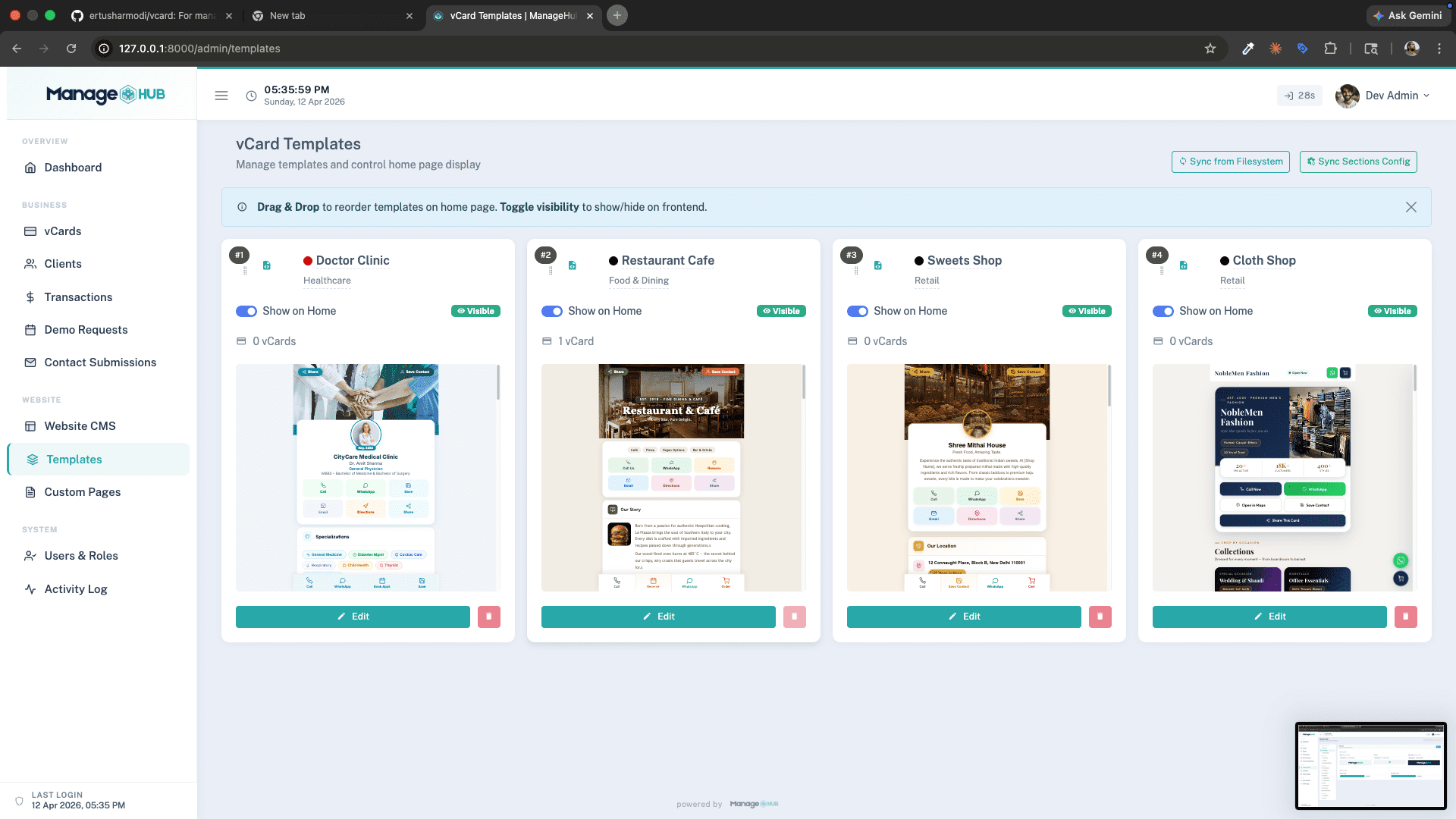
- ✅ 4 industry templates — Restaurant, Doctor, Cloth Shop, Sweet Shop
- ✅ Section-based visual editor — real-time Livewire editing
- ✅ Visitor analytics with device, browser, country & traffic source breakdown
- ✅ Lead management — orders, bookings, enquiries, contacts
- ✅ QR code generation with analytics tracking
- ✅ Subscription management with expiry tracking
- ✅ Multi-role system — super-admin, admin, sales, distributor, client
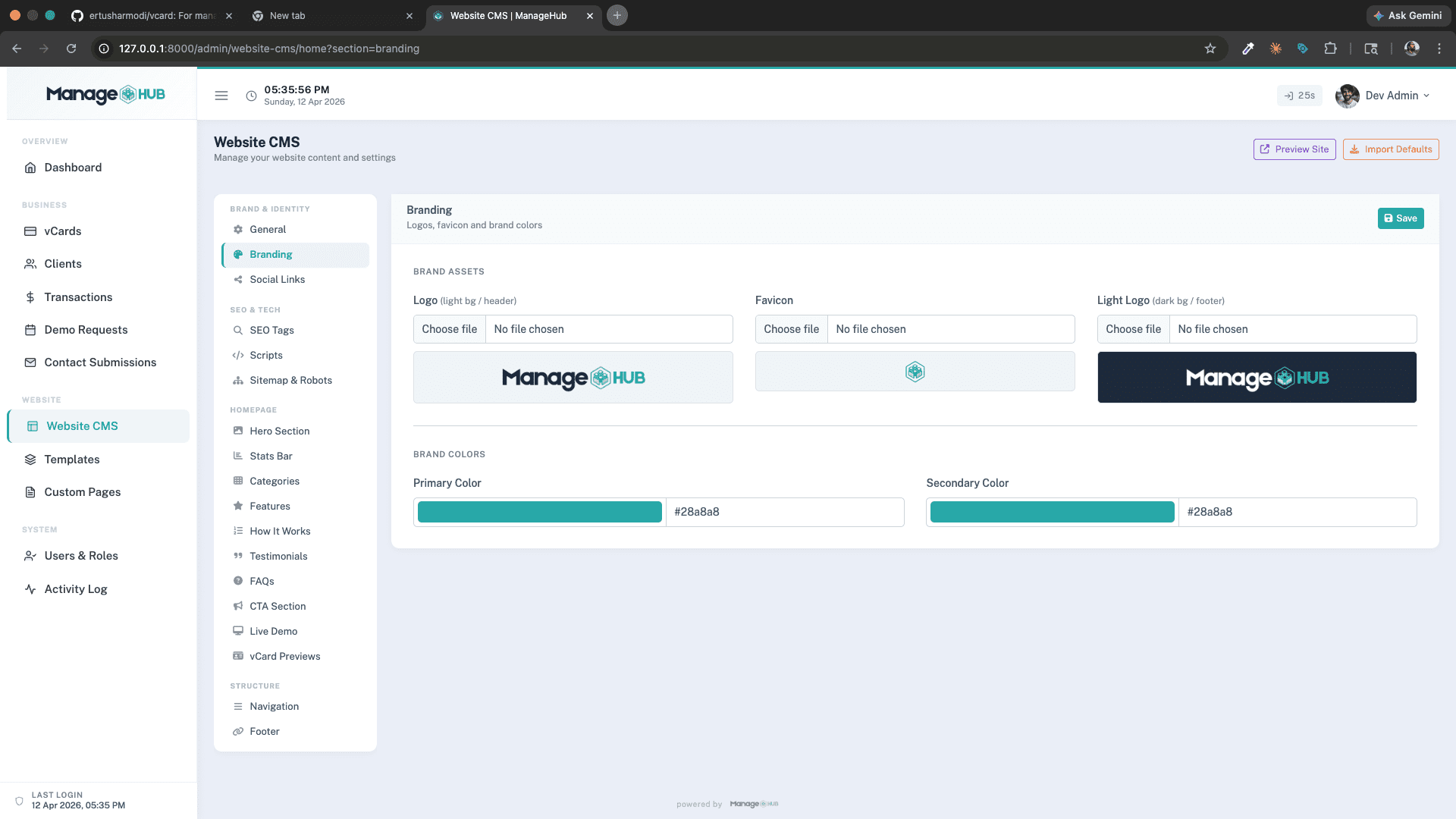
- ✅ Full Website CMS for the public marketing site
- ✅ White-label support for distributors
🚀 Features
🌐 Public Marketing Website
A fully CMS-managed marketing site is included out of the box:
- Hero Section with headline, subtitle, and CTA buttons
- Template Showcase — browsable gallery of all vCard templates
- Features Section — list platform capabilities
- How It Works — step-by-step onboarding guide
- Stats Bar — social proof numbers
- Testimonials — customer reviews
- FAQ Accordion
- CTA Section
- Live Demo section
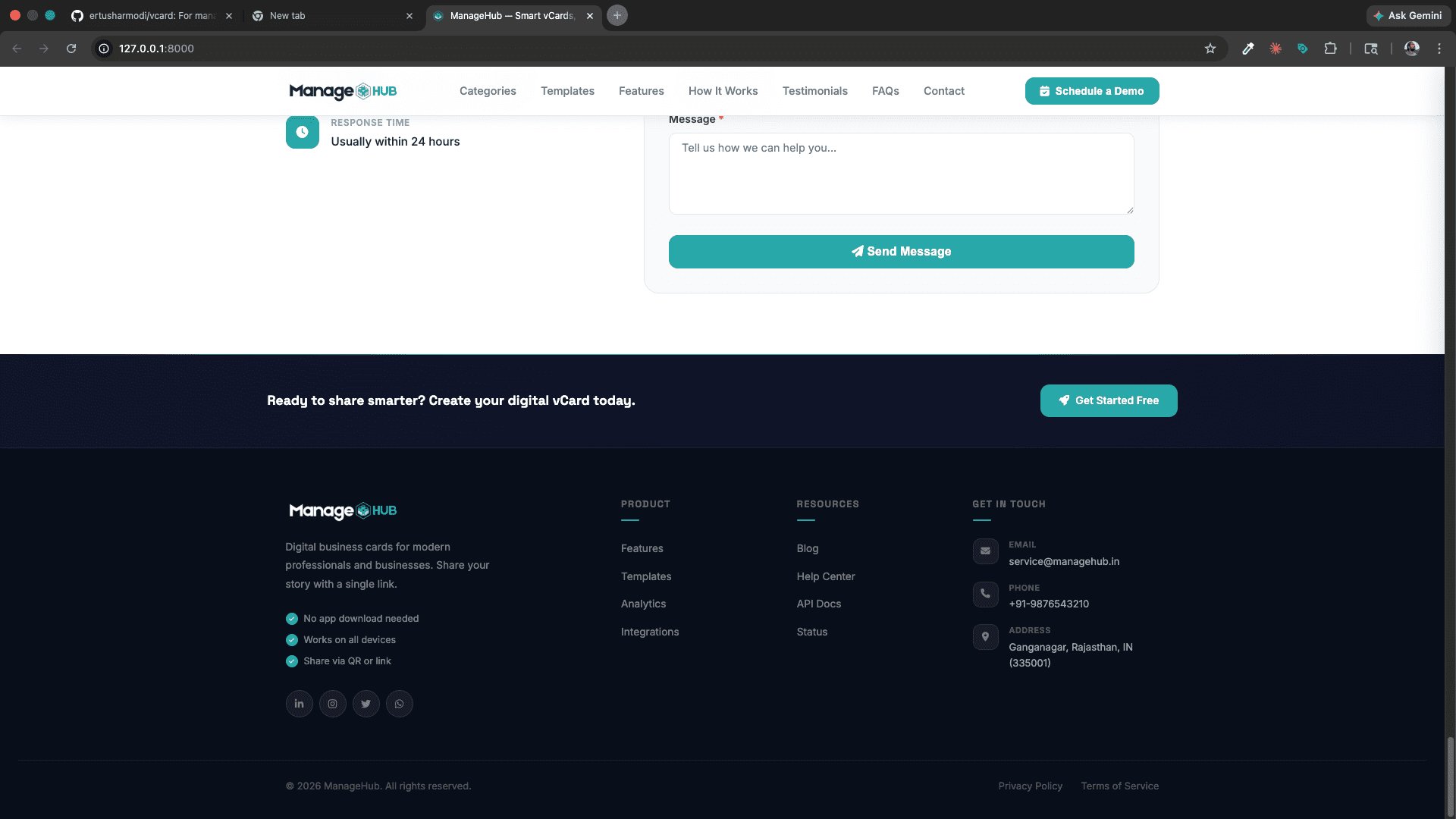
- Contact Form — submissions go to admin panel
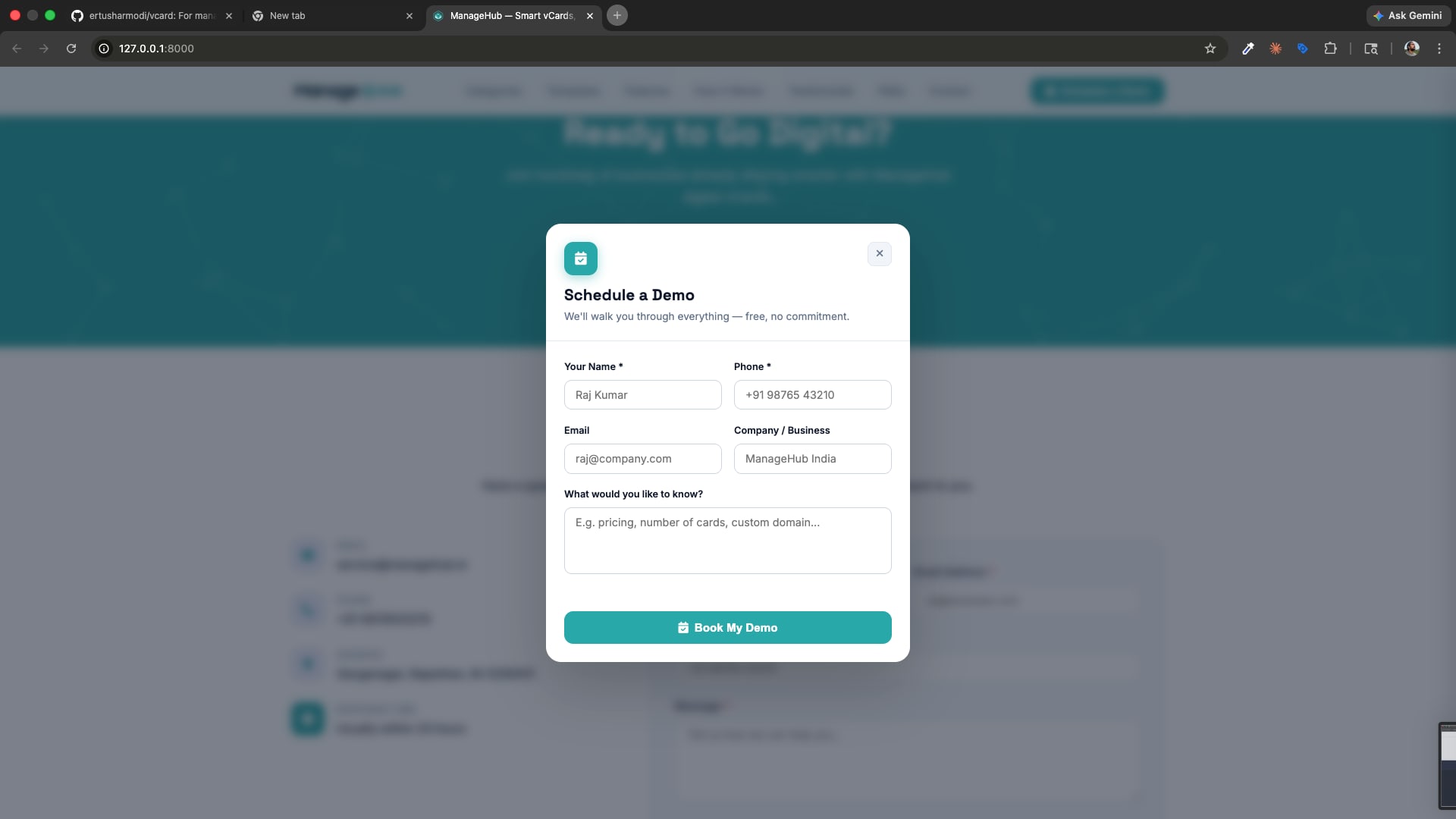
- Demo Booking Modal — schedule a demo from any page
- Full Footer with navigation links, social links, address
- SEO — configurable meta title, description, keywords
- Custom Scripts — inject
<head>/<body>scripts per page - Sitemap & Robots.txt — fully manageable from admin
⚙️ Admin Panel
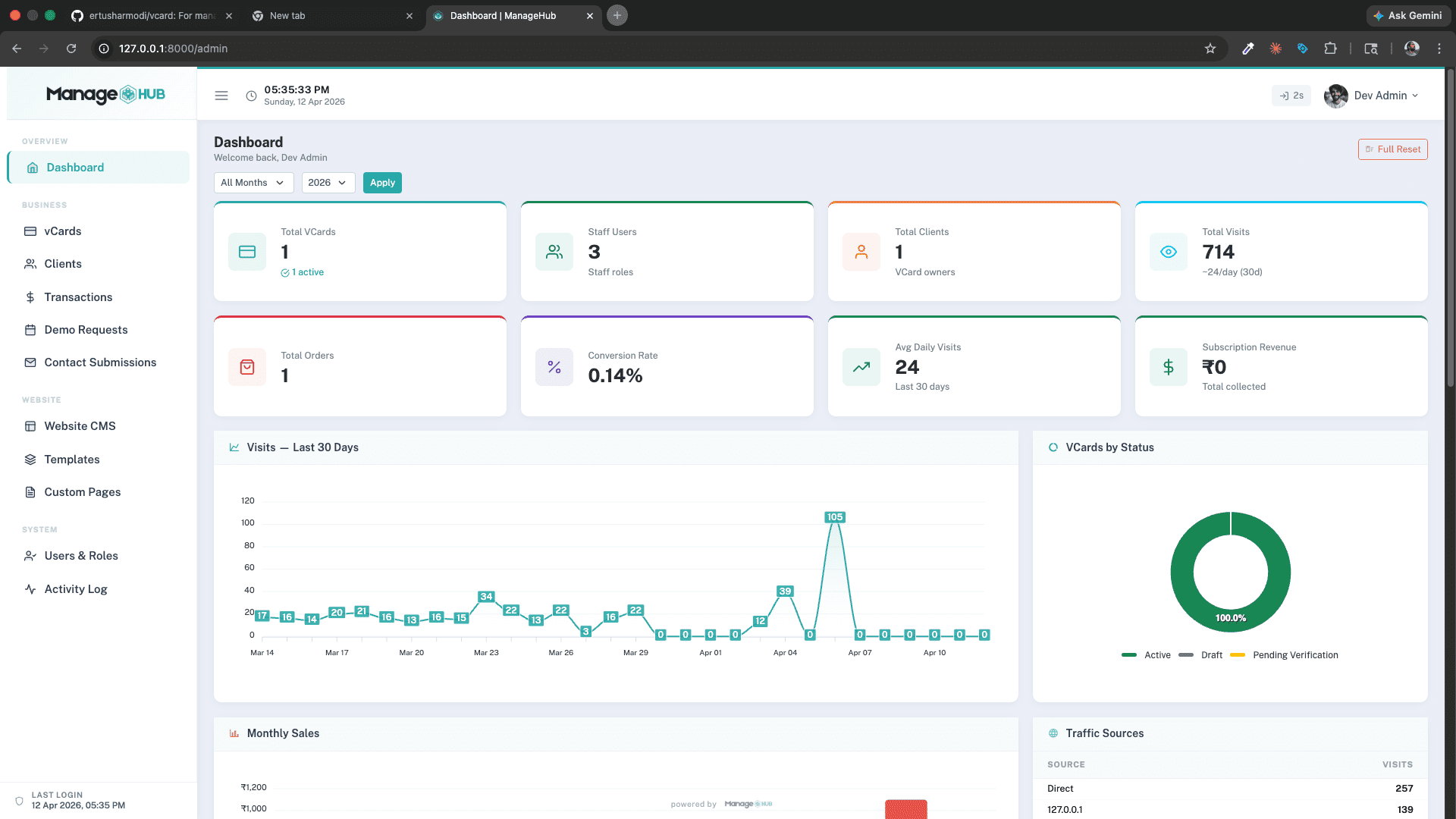
📊 Dashboard
- Stats overview: Total vCards, Staff Users, Total Clients, Total Visits, Total Orders, Conversion Rate, Avg Daily Visits, Subscription Revenue
- 30-day visitor chart with daily breakdown
- Monthly sales & revenue charts
- Traffic sources table (Direct, QR, Referral, etc.)
- vCards by Status donut chart (Active / Draft / Pending)
- Month/Year filter for historical stats
- Role-aware — admins see global data; sales/distributors see only their own
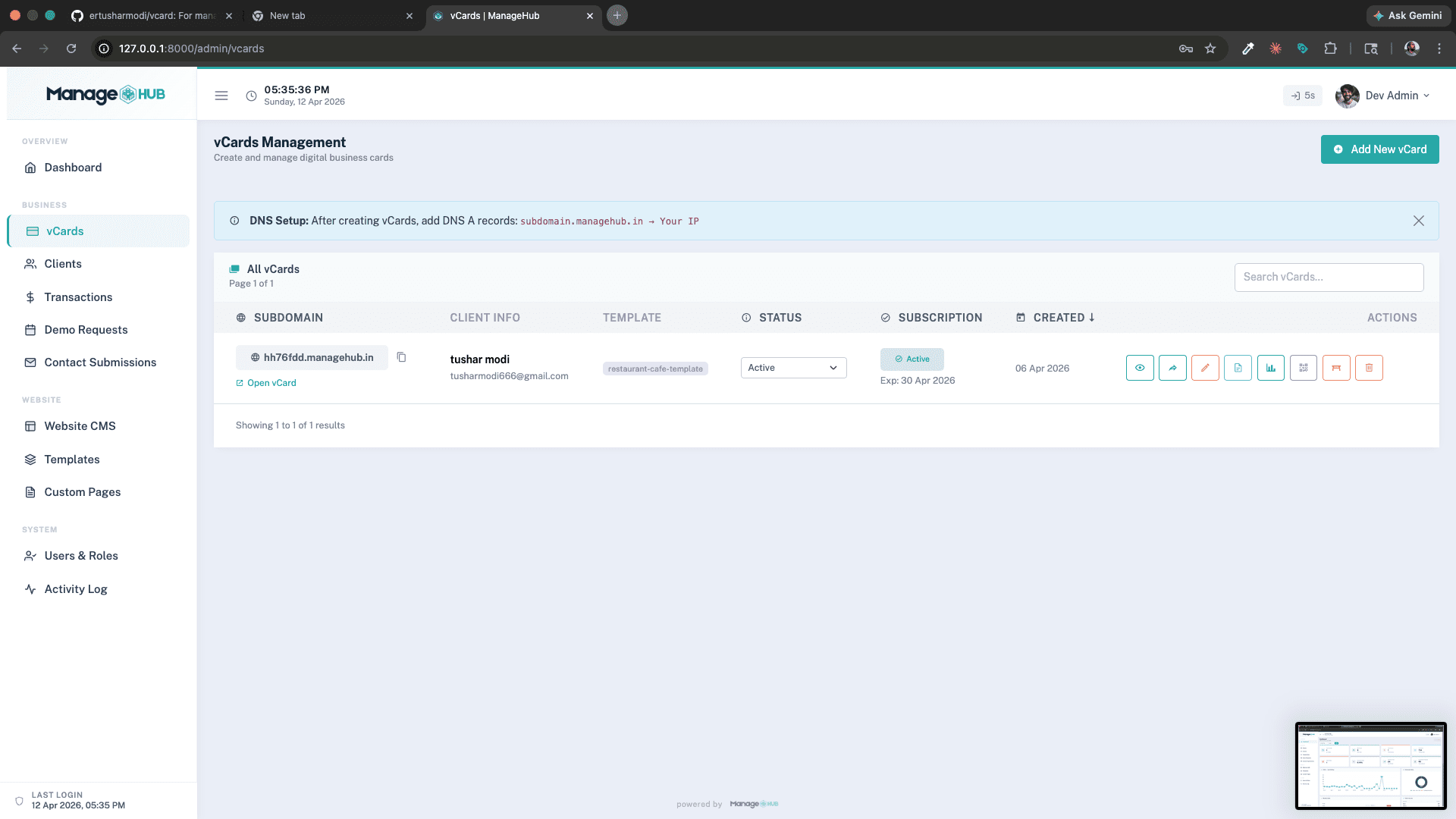
📇 vCard Management
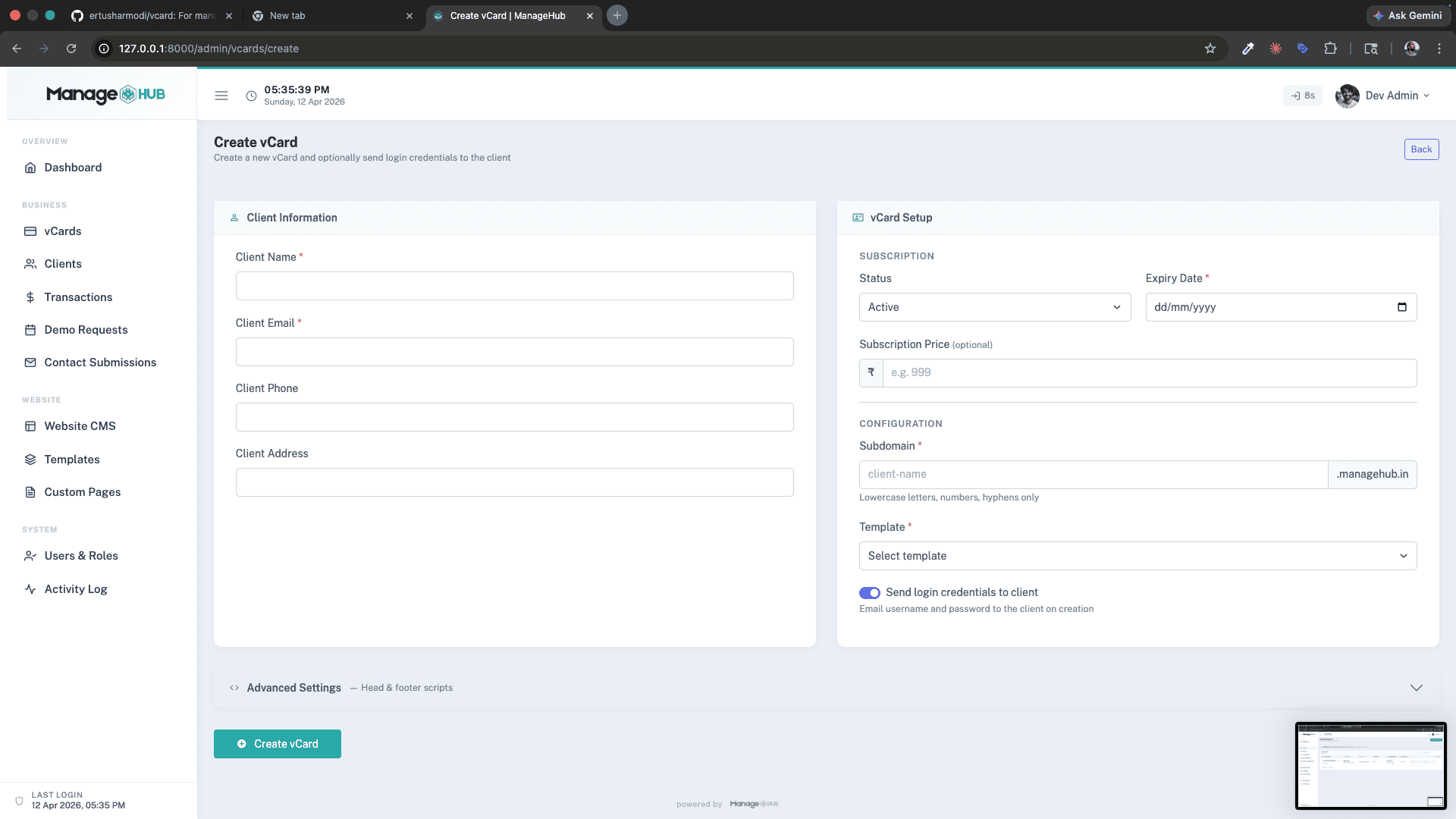
- Create vCard — set client info, subdomain, template, subscription dates, price
- Auto-send credentials email to client on creation
- Section-based visual editor using Livewire — real-time form editing per section
- Raw JSON code editor — advanced section data editing
- Sync Sections — re-apply template defaults without losing data
- Status toggle — Active / Draft / Pending Verification
- QR Code generation — SVG with custom color,
?ref=qrtracking - Per-vCard analytics — visits, device/browser/country breakdown, PDF export
- Table QR codes — individual per-table QR for restaurant template
- Script injection — inject custom
<head>/<body>scripts per vCard (super-admin)
👥 Client Management
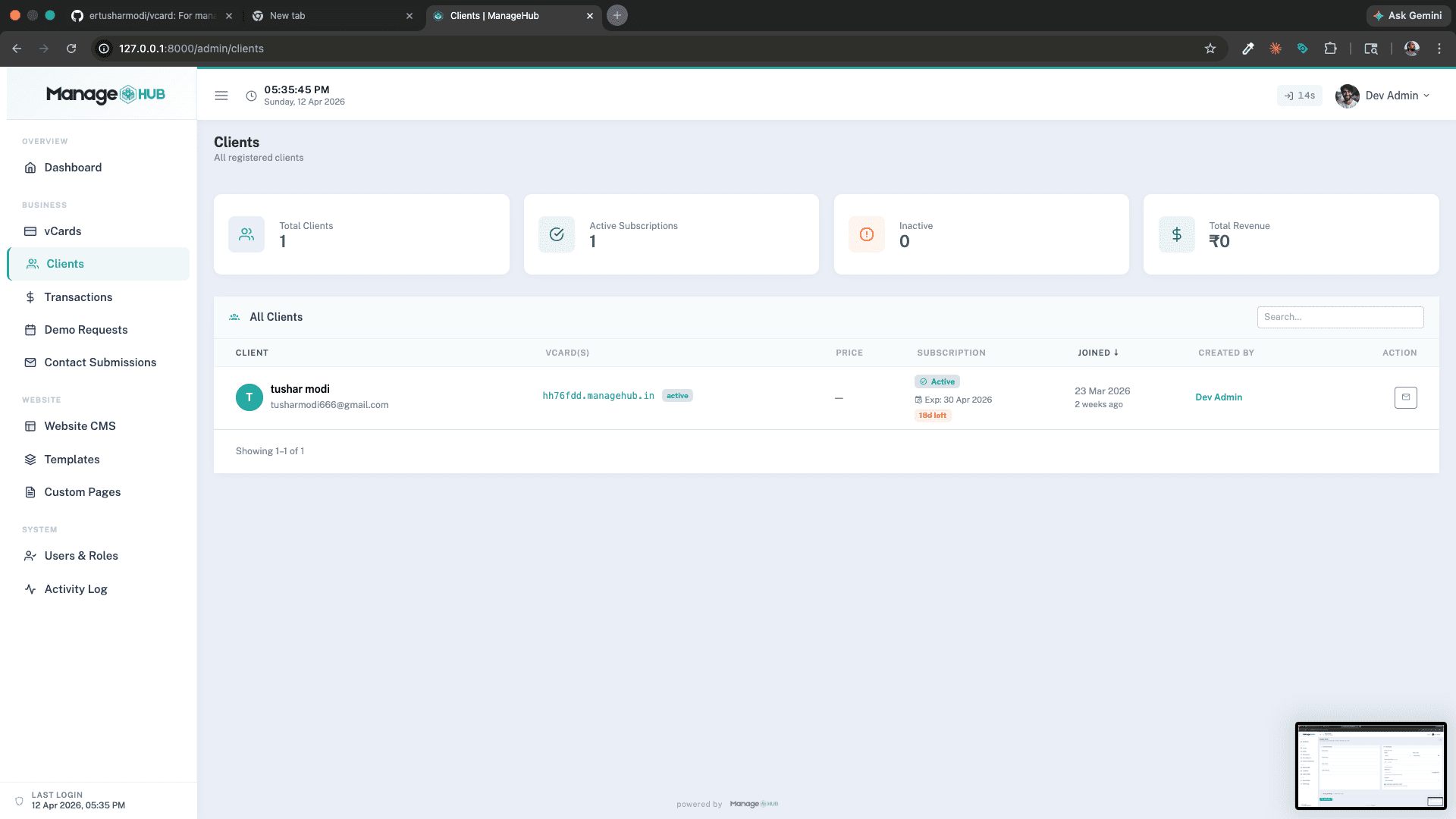
- All clients list with vCard links, subscription status, expiry, revenue
- Staff-scoped access — sales/distributors only see their own clients
- Impersonate mode — admins can preview the editor as the client
💰 Transactions
- All vCards with pricing tracked
- Date range filter
- Stats: Total Revenue, Average Price, Active Subscriptions
- CSV export
- Role-scoped for distributors
📬 Demo Requests
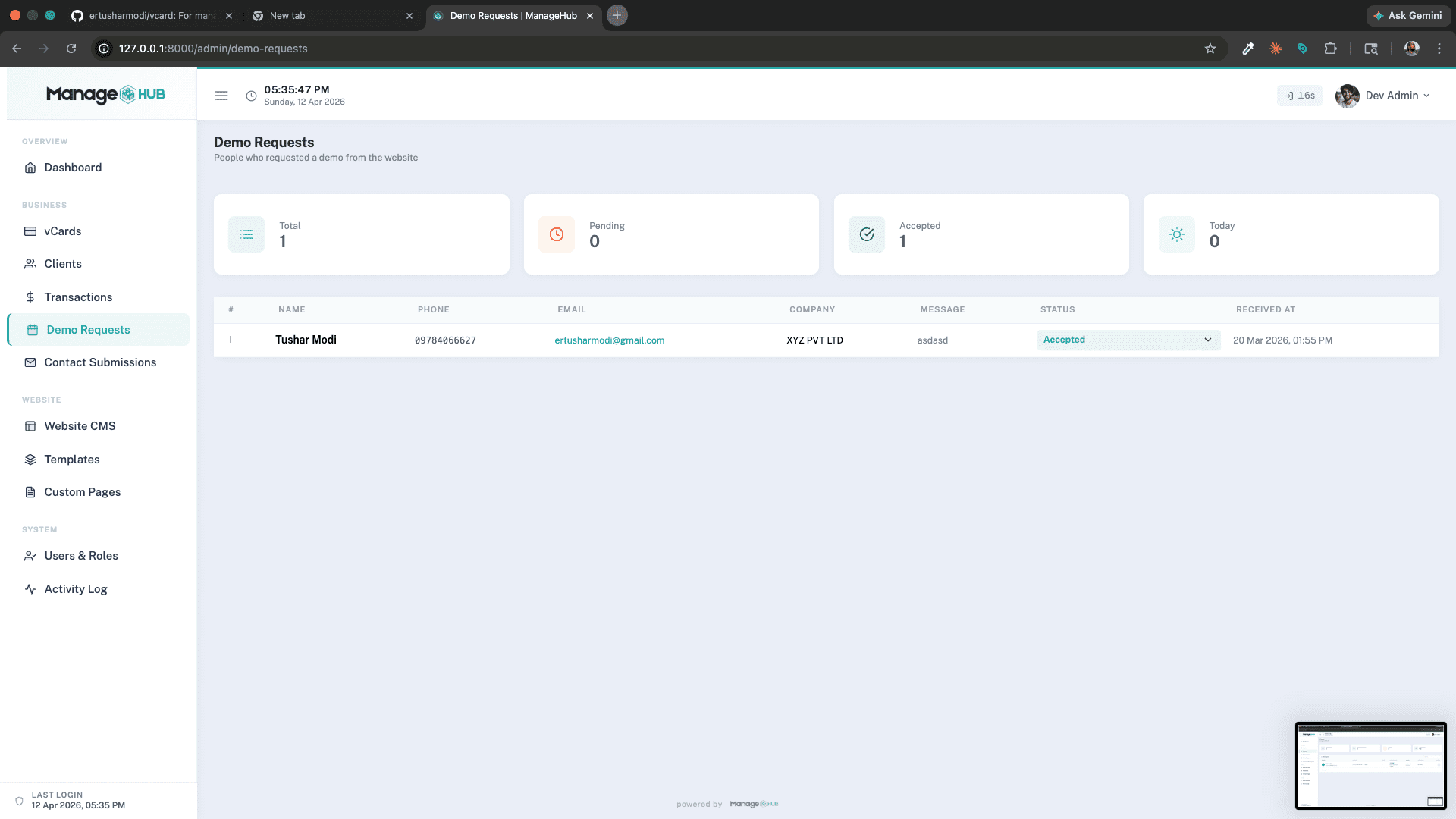
- Incoming demo scheduling requests from the public site
- Status management: New → Pending → Accepted → Converted
📩 Contact Submissions
- Messages from the public contact form
- Status tracking and management
🗃️ Template Management
- Visual list of all templates with drag-to-reorder
- Toggle visibility — show/hide templates on the public homepage
- Edit display name & category badge
- Visual Editor — section-by-section Livewire form editor for template defaults
- File Code Editor — edit raw HTML/JS/CSS/JSON template files directly
- Backup & Restore —
TemplateBackupServicesnapshots files with timestamps - Sync from Filesystem — sync file-based templates to database
- Delete (only if no vCards are using the template)
🖥️ Website CMS
Full content management for the marketing site — see Website CMS section below.
👤 User & Role Management
- Create/edit admin and staff users
- Assign roles:
super-admin,admin,sales,distributor - Toggle active/inactive status
- Change passwords
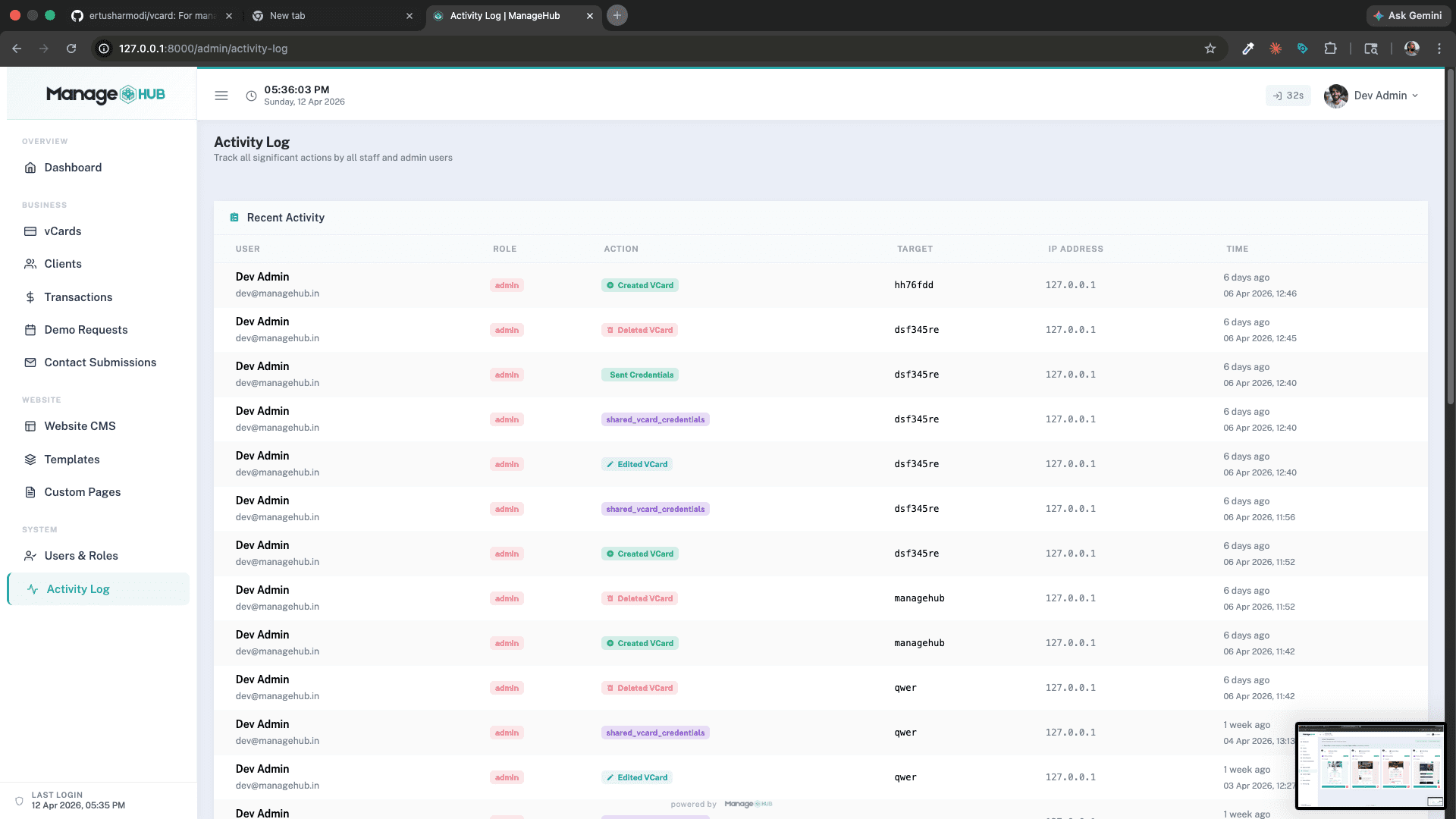
📋 Activity Log
- All staff actions tracked: create/delete/edit vCard, send credentials, etc.
- Columns: User, Role, Action (color-coded), Target, IP Address, Timestamp
🔄 Full Reset (super-admin only)
- OTP-verified (6-digit email OTP, 5-min TTL) full data wipe
- Deletes all vCards, clients, visits, orders, bookings, enquiries, contacts, and logs
- Requires typing
CONFIRM FULL RESET+ entering current password
📄 Custom Pages
- Upload raw HTML pages to serve on any subdomain
- Active/inactive status toggle
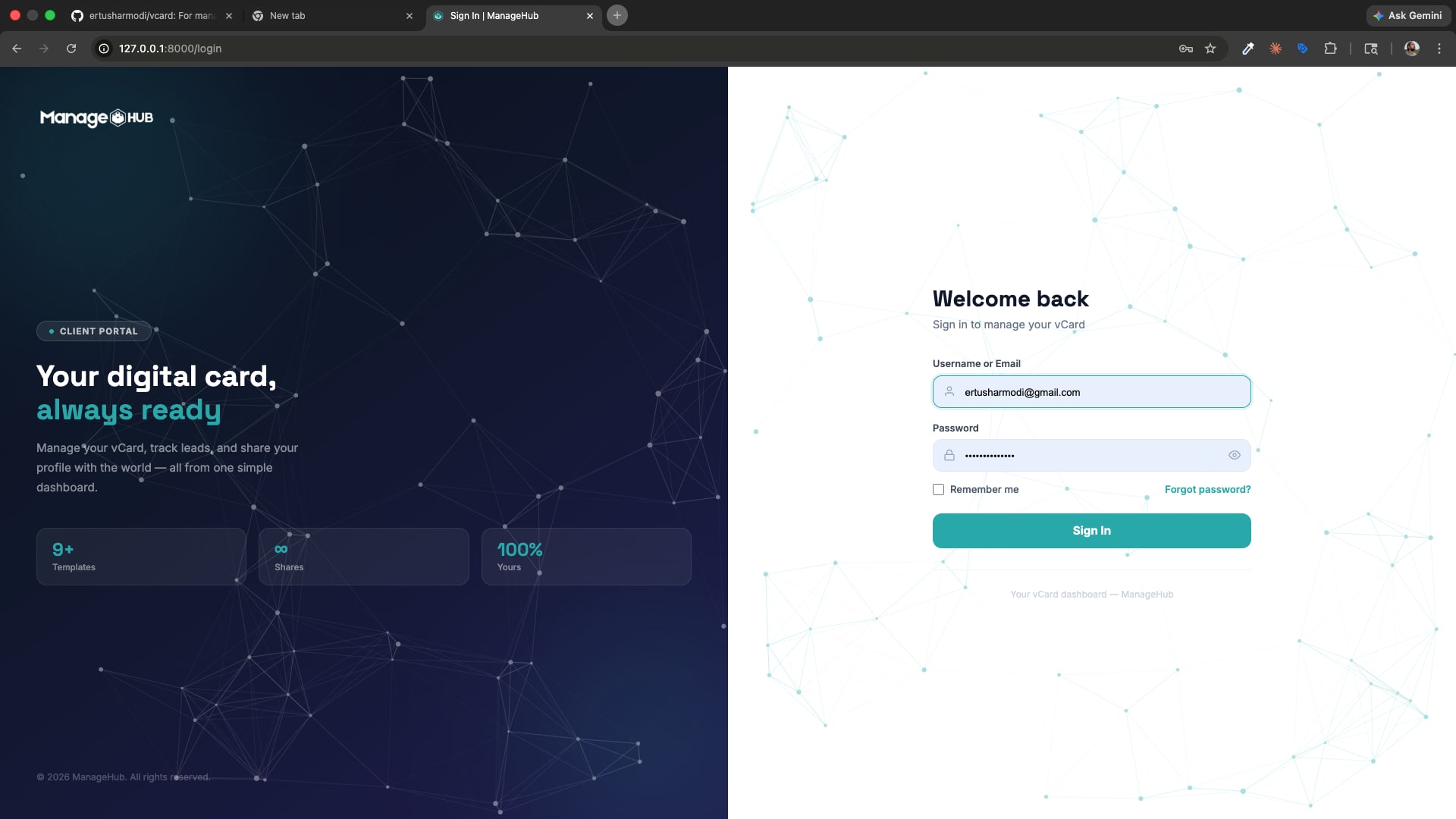
👤 Client Portal
After logging in on the client portal:
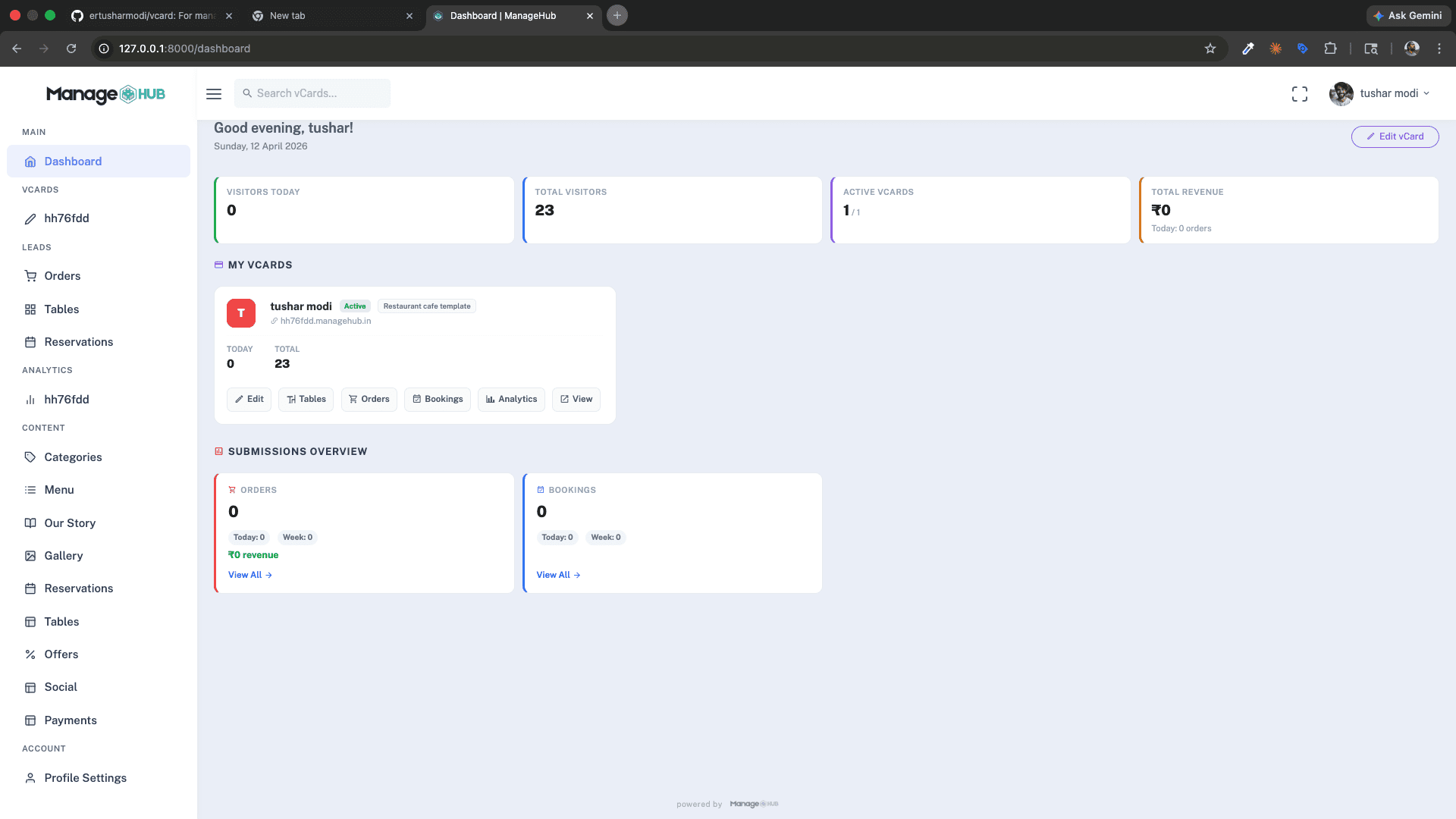
📊 Dashboard
- Stats: Visitors Today, Total Visitors, Active vCards, Total Revenue
- Per-vCard summary cards with today/total visit counts
- Quick links: Edit, Tables, Orders, Bookings, Analytics, View
- Submissions Overview: Orders, Bookings with today/week/total counts
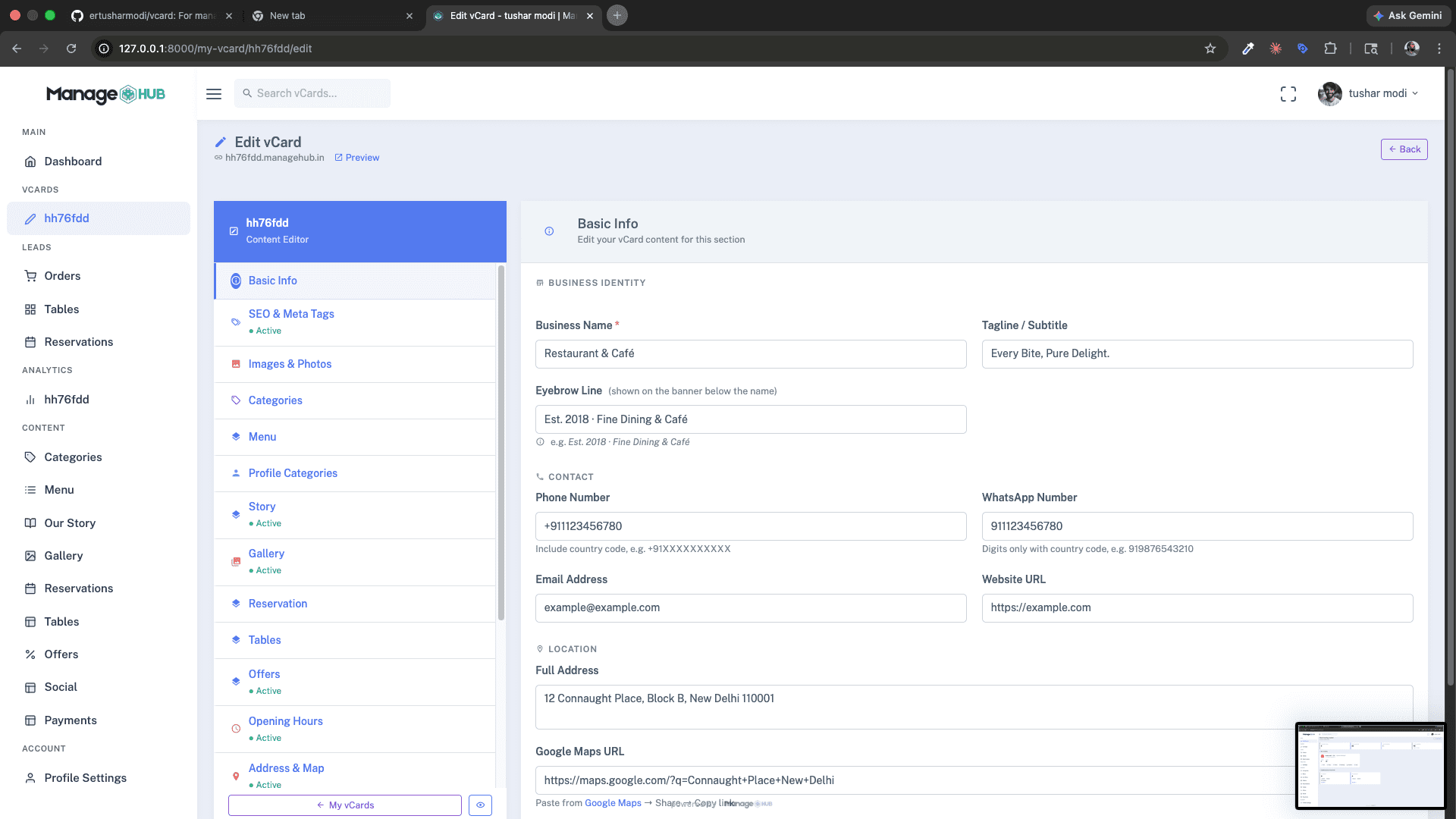
✏️ vCard Section Editor
- Section-based visual editor — same editor used internally by admin
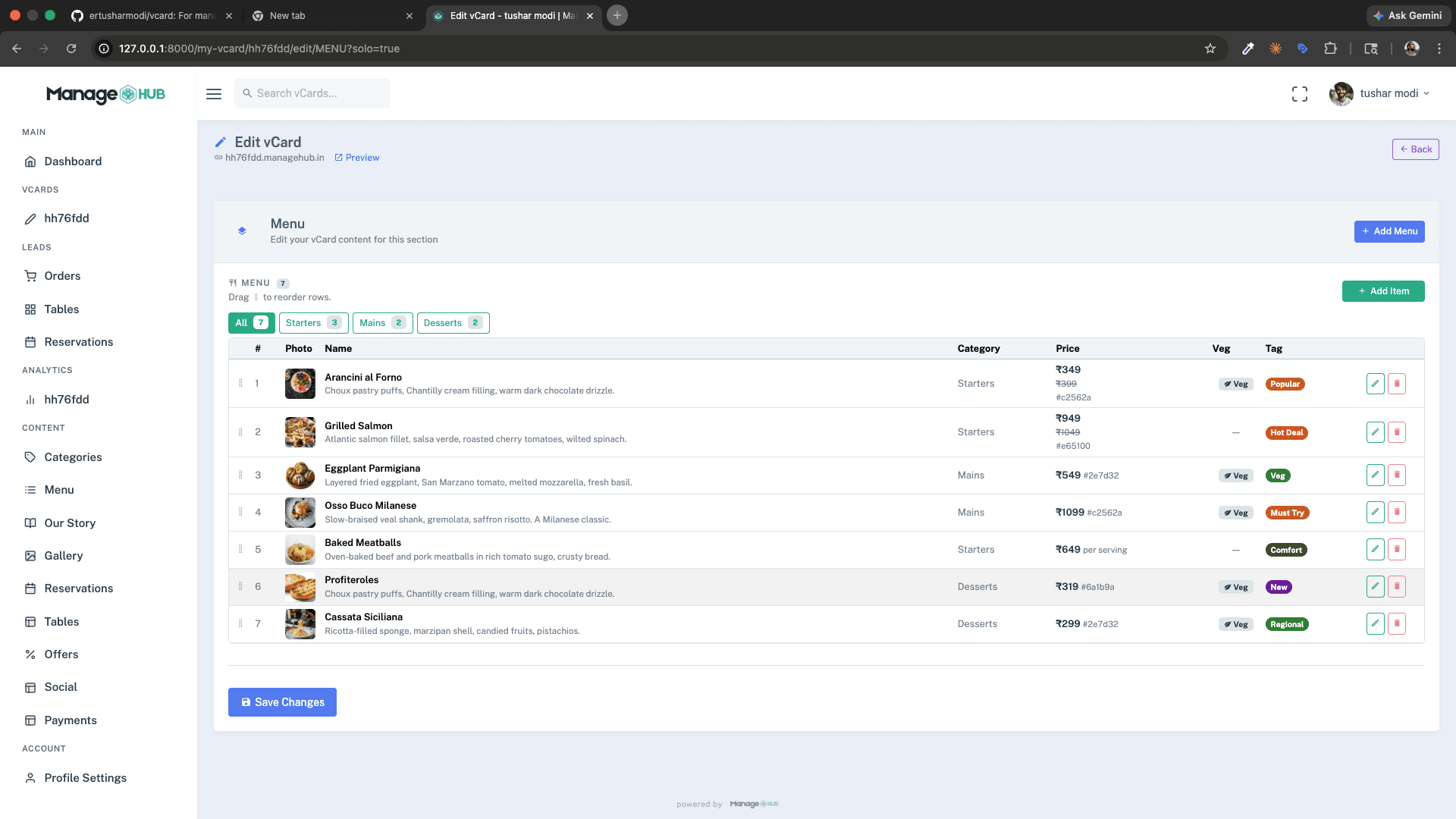
- Section tabs navigate between: Basic Info, SEO & Meta Tags, Images & Photos, Categories, Menu, Profile Categories, Story, Gallery, Reservation, Tables, Offers, Opening Hours, Address & Map, Social Links, Payment Methods, Footer, and more
- Toggle section visibility — enable/disable sections on the live vCard
- Live preview with "Preview" button linking to the live subdomain
- Subscription guard — editor blocked with expiry notice if subscription has lapsed
🛒 Leads Management
- Tabbed view: Orders, Bookings, Enquiries, Contacts
- Template-aware labels (e.g., "Appointment Requests" for clinic template)
- Date filter, search, pagination
- View full item payload (items, totals, customer info, message)
📈 Analytics
- Total Visits, Visitors Today
- Device breakdown (mobile / tablet / desktop)
- Browser breakdown
- Country breakdown
- Traffic sources (Direct, QR, Referral)
- 30-day visit trend chart
- IP address list with timestamps
- PDF export of analytics report
- PDF export of IP list
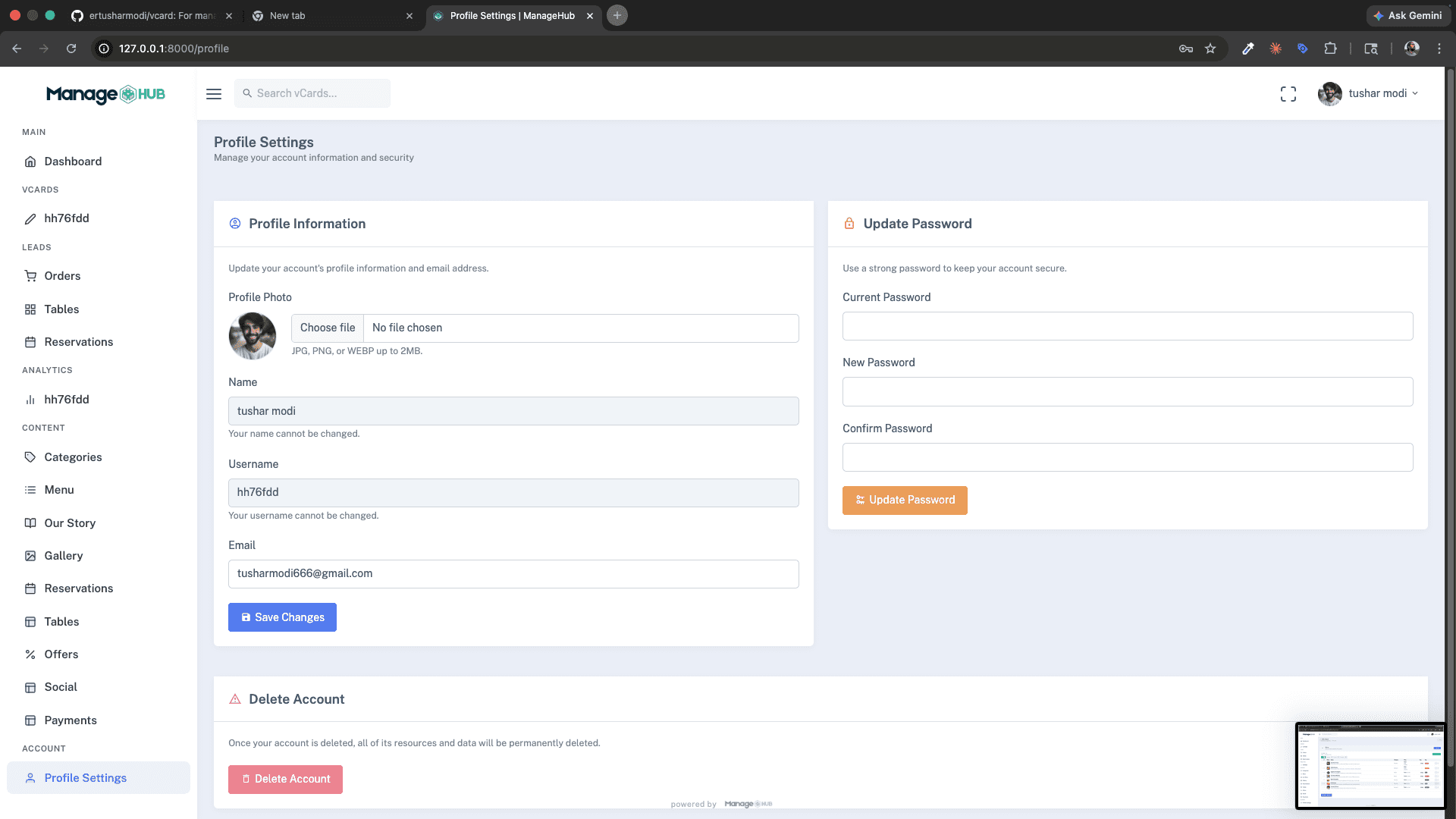
👤 Profile Settings
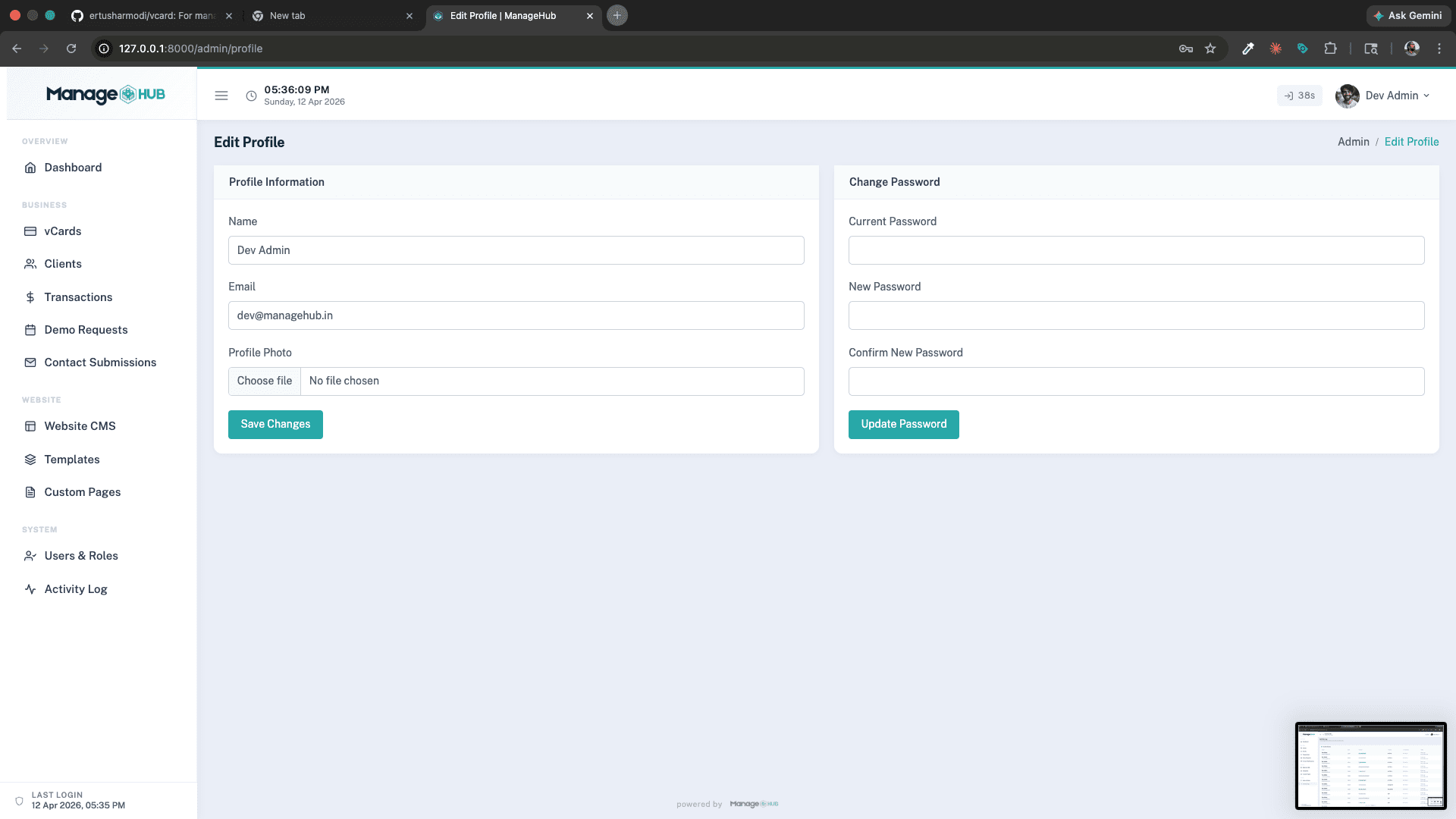
- Update profile photo, email
- Change password
- Delete account